Honeycomb: The World Beyond Game Modes: Which Should You Pick?
Honeycomb: The World Beyond ships with four modes — Scientist, Survivalist, Space Hell and Engineer — from the balanced default to full custom rules and permadeath.
FAQ
Which mode should a beginner choose in Honeycomb: The World Beyond?
Is there permadeath in Honeycomb: The World Beyond?
Can you turn off animal aggression?
Can you change your game mode on an existing save?
Why does Engineer mode exist?
What game modes does Honeycomb: The World Beyond have?
The game launched on September 8, 2026 with four modes, announced in the official launch post:
| Mode | Positioned as | The one difference |
|---|---|---|
| Scientist | Recommended | The balanced experience — adventure and exploration tuned evenly |
| Survivalist | For veterans | Vital stats such as immunity deplete much faster |
| Space Hell | Hardcore | Survivalist’s rules plus permanent death |
| Engineer | Custom | Every gameplay parameter exposed for customization |
What does each mode change?
Scientist is the default recommendation and the way the developers position the intended experience: the most balanced mode, tuned for a mix of adventure and exploration. Nothing is modified — it is the game as shipped.
Survivalist keeps the same world but pushes the survival layer: your vital stats, such as immunity, deplete much faster, so suit and supply management matter a lot more. The developers describe it as a tougher challenge for players who want to be pushed to their limits.
Space Hell is the hardcore tier: the same punishing mechanics as Survivalist, but with permanent death — if you die, the game is over. It is the only mode with permadeath at launch.
Engineer is the custom mode, and the deepest departure. It exists because demo players asked for more control over the world’s rules — the launch announcement says exactly that. In Engineer you can, for example, completely disable building costs to focus purely on creativity, or fine-tune the survival experience by adjusting stamina and immunity drain rates.
One post-launch change adds to this picture: since Hotfix #4 (September 14, 2026), the modes also scale how fast your equipment wears out — the durability rate is 1.0 on Scientist, 1.25 on Survivalist and 2.0 on Space Hell, and the Engineer slider reaches up to 2.0. Fainting now costs 5%, 10% or 15% of your gear’s durability on Scientist, Survivalist or Space Hell respectively, instead of the previous flat 10%. The patch notes tracker carries the full change list.
Which mode should you choose?
Pick Scientist for a first playthrough — it is the recommended balance of story, exploration, and survival pressure, and nothing about it is gated. Choose Survivalist only if you already know the loop and want resource pressure to dominate. Space Hell is for a deliberate hardcore run with permadeath consequences. Choose Engineer when you have a specific idea — a no-cost creative building session, a docile-world photography trip, or a precisely tuned survival curve.
What can you customize in Engineer mode?
Per the launch announcement, Engineer’s custom settings include:
- Building costs — disable them entirely to focus on creative construction
- Stamina and immunity drain rates — fine-tune how punishing the survival layer is
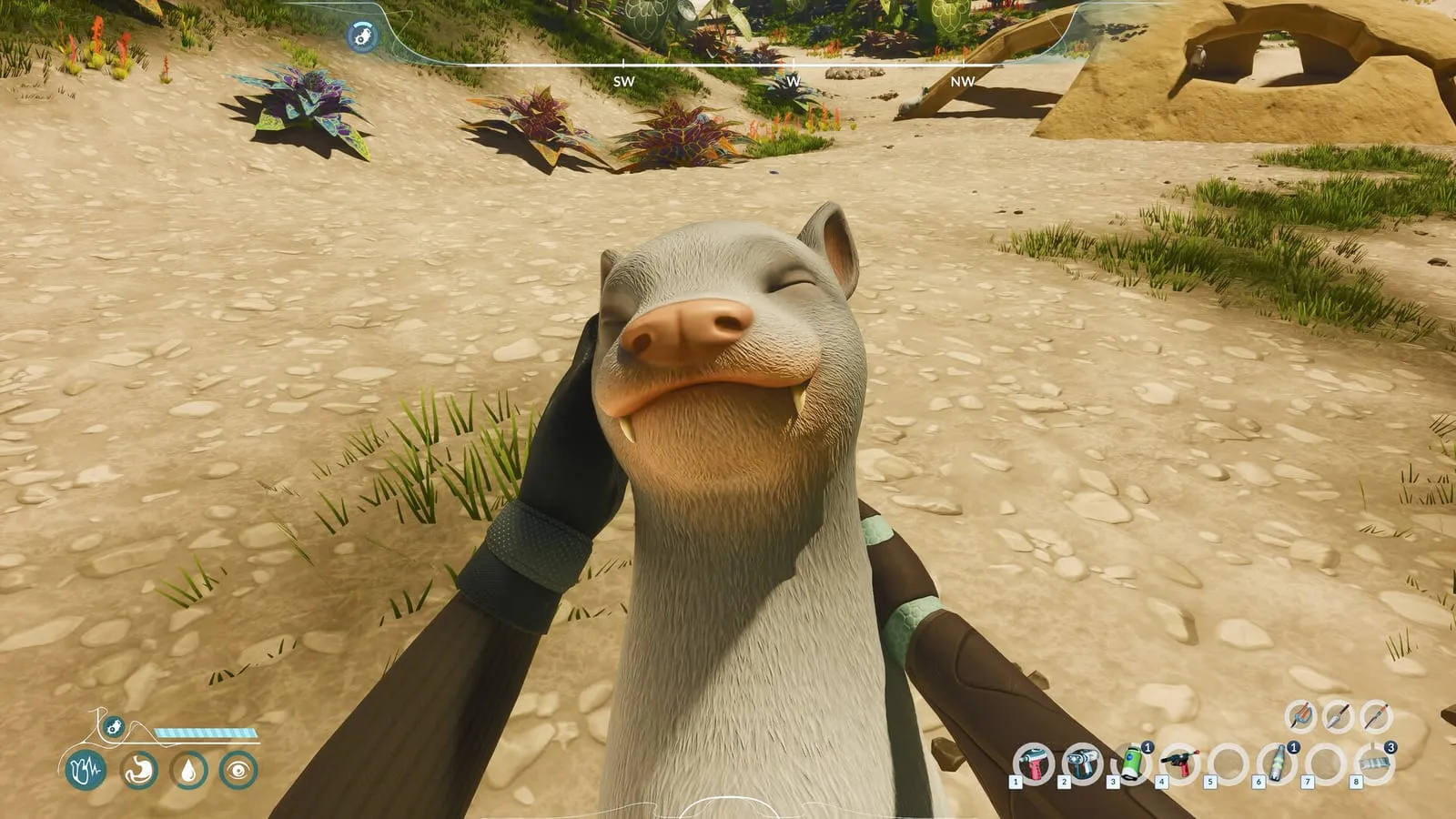
- Animal aggression — disable it outright
- River force — tweak how the water pushes you
- Material occurrence multipliers — change how often materials appear in the world
The full settings list lives in the mode’s carousel on the Steam page; the five groups above are the ones the launch announcement names. For what those survival stats actually do, start with the where-to-start guide; for everything that changed after launch day, see the patch notes tracker.
More from this wiki
Related Articles
More from the field survey
guides
Honeycomb: The World Beyond Composter Guide: Biomass from Plant Matter
The Composter in Honeycomb: The World Beyond — how the Second Life quest's biomass loop works, what to feed it, and what the biomass is for.
guides
Honeycomb: The World Beyond Hoverboard Guide: Unlock, Controls & Durability
The hoverboard in Honeycomb: The World Beyond — how to unlock it, how it handles on Sota7, and how its durability scales with difficulty.
guides
Honeycomb: The World Beyond Storage & Rotting Guide: Containers & Fridges
How food rotting works in Honeycomb: The World Beyond — containers slow decay to 15%, powered fridges stop it entirely, and difficulty scales spoilage.
Was this helpful?
Thanks for the feedback!